Guides / Measurement
Is AI traffic converting? How to set up GA4 to see visits from ChatGPT and other assistants
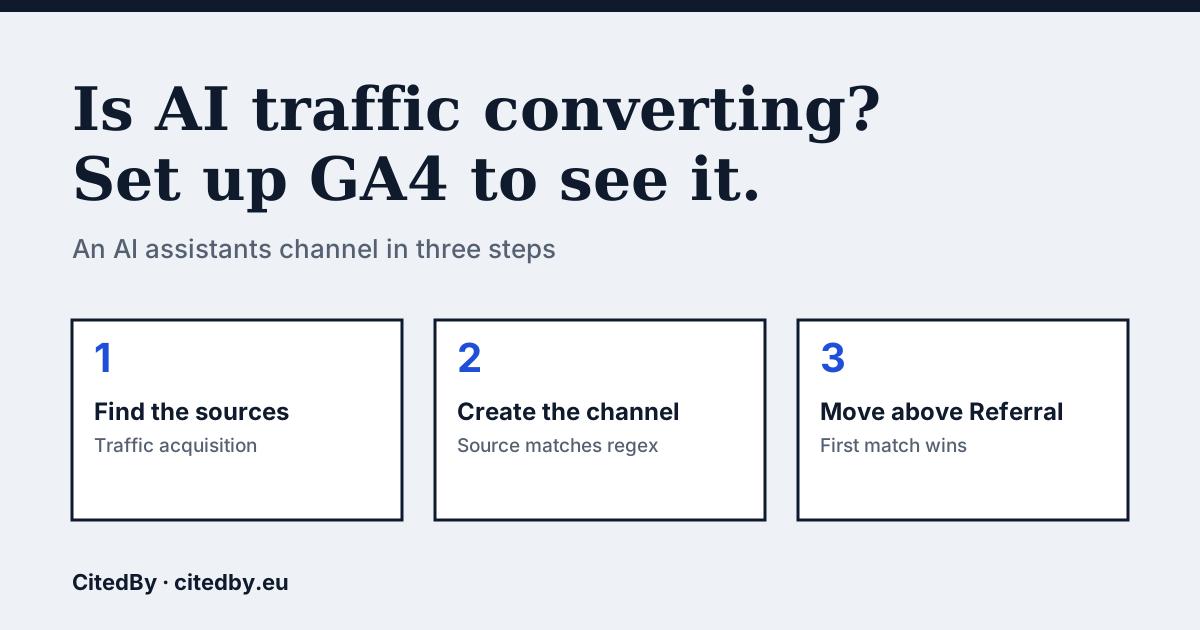
What GA4 shows by default, and why AI visits hide
GA4 sorts every session into a channel. Visits from an assistant can end up in the Referral channel, mixed with links from blogs and directories, or under another channel, so you cannot see them as a group. A custom channel gives them their own row. Google's documentation describes how: a custom channel group can be applied to your reports retroactively, so history is relabelled as soon as you save it (Google Analytics Help).
You need the Editor role or above on the property to create one. Standard properties can hold 2 custom channel groups, with up to 50 channels each, according to the same page.
Build an AI assistants channel in GA4
- In GA4, open Reports, then Acquisition, then Traffic acquisition. Change the dimension to Session source / medium.
- Scan the list for assistant names such as chatgpt, perplexity, claude, gemini or copilot. Write down the exact sources you see.
- Open Admin, then Data display, then Channel groups, and choose Create new channel group.
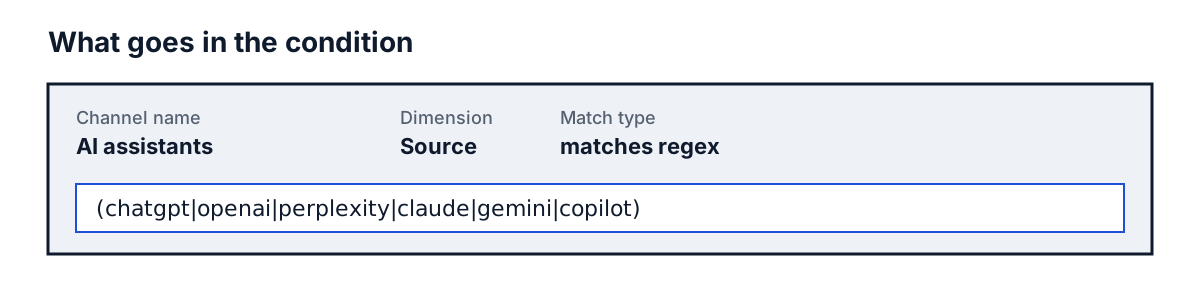
- Choose Add new channel, name it AI assistants, and add a condition group: Source, matches regex, then paste your list of sources.
- Save the channel, choose Reorder, and drag AI assistants above Referral. Click Apply.
- Reopen Traffic acquisition with your new channel group as the dimension and compare sessions, engaged sessions and conversions.
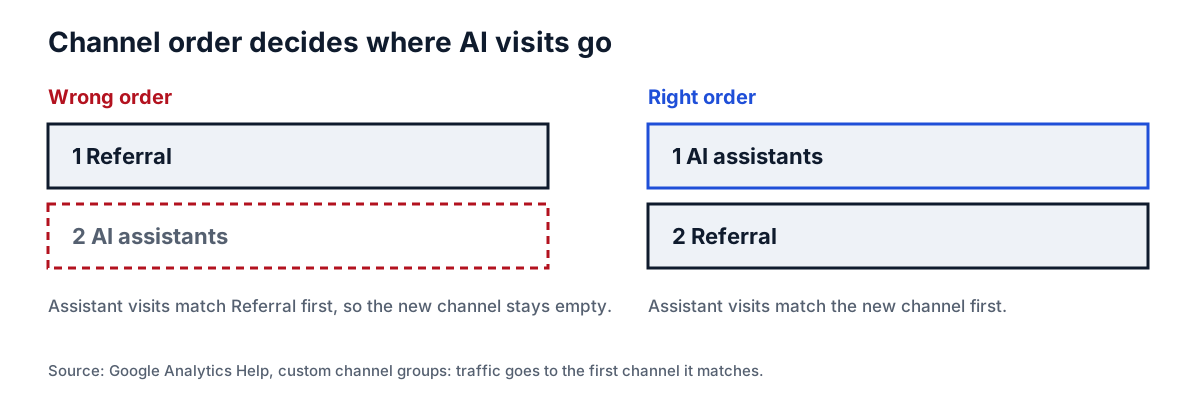
The order step is the one people miss. Google says traffic is included in the first channel whose definition it matches, given the current order. If Referral sits above your new channel, assistants never reach it.
A starter regex, and how to check it
Download the file with the steps and the regex. It starts from the names of the well-known assistants:
(chatgpt|openai|perplexity|claude|gemini|copilot)Treat it as a starting guess, not a verified list. Hostnames change and assistants launch, so what matters is what appears in your own report. Add the sources you really see, and remove any that match something that is not an assistant. Run the check at least once a quarter.
What GA4 cannot tell you
Only visits that carry a referrer can be labelled. A person who copies your address from an answer and pastes it into a browser arrives as Direct. A channel in GA4 therefore shows a lower bound of AI-driven visits, not the total. Say so when you report the number to anyone who will act on it.
Small numbers can be noise. Compare conversion rate and revenue per session against Organic Search before drawing any conclusion, and do not extrapolate from a week of data.
Make the next step visible
The channel tells you whether assistants send visitors. It does not tell you whether they name your shop. The free check shows whether AI crawlers can read your pages, and the audit asks real buyer questions to see who gets named.
Questions people ask
How do I see ChatGPT traffic in GA4?
Open Traffic acquisition with Session source / medium and look for chatgpt in the source column. For a standing view, create an AI assistants channel as above.
Why does my AI traffic show as Direct?
When the visitor's browser sends no referrer, GA4 has nothing to label. Pasting a link or opening it from an app without referrer information gives that result.
Does a custom channel group change my old data?
Google says custom channel groups can be applied to your reports retroactively, so yes, your history is relabelled in reports that use the group.
Do I need to be an admin to create it?
No, but you need at least the Editor role on the property.
Sources
See what AI answers about your shop
The audit crawls every page of your site, shows which AI crawlers it lets in and gives the exact fix for each issue. From €9, 14-day money-back guarantee.
Audit my site