AI crawlers / AI crawlers
YandexBot: what it does and what blocking it changes
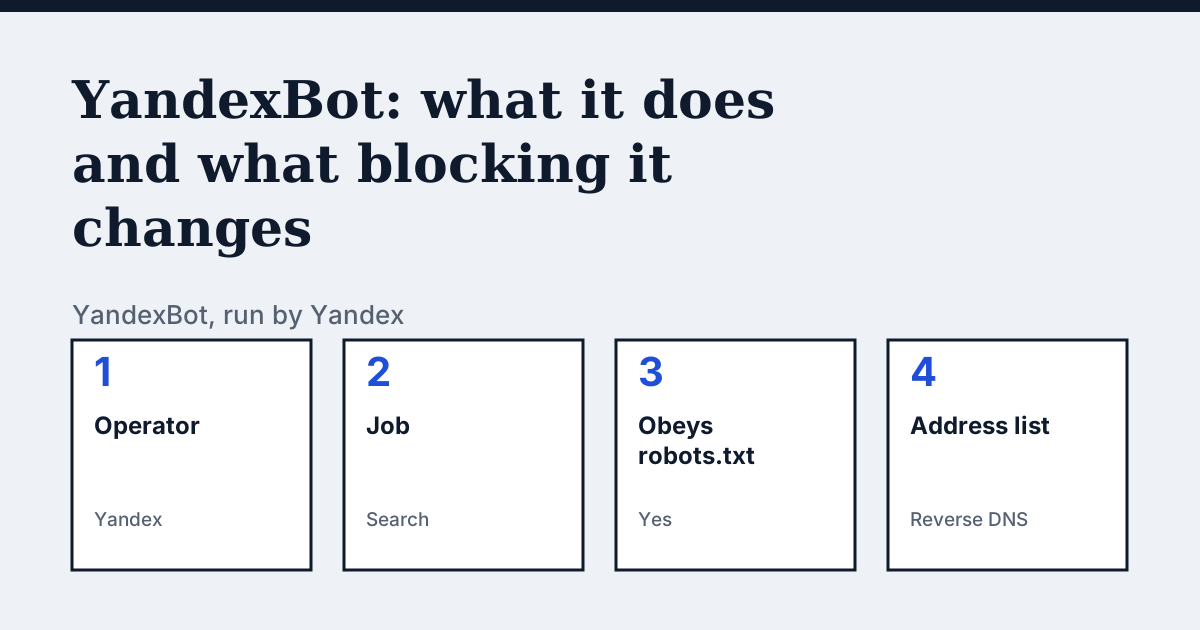
What YandexBot is
YandexBot is listed by Yandex as the main indexing robot. Yandex runs many other robots with their own user agents (for images, video, advertising, mobile pages, favicons and more), listed on the same page. Yandex does not publish an IP list for its bots.
| Fact | YandexBot |
|---|---|
| Operator | Yandex |
| Job | Search (main indexing robot) |
| robots.txt token | Yandex |
| Follows robots.txt | Yes, takes into account the general rules in robots.txt (User-agent: *) |
| IP addresses | Reverse DNS check |
| Vendor page read | 24 October 2026 |
What the vendor says
In the vendor's words (English original): “Some robots can disguise themselves as Yandex robots by indicating the relevant User Agent. You can check the authenticity of a robot using a reverse DNS lookup.”
Source: Yandex Webmaster: How to check that a robot belongs to Yandex, read on 24 October 2026.
What happens if you block YandexBot
Yandex says a number of its robots download pages for purposes other than indexing and may ignore restrictive rules written for all robots (User-agent: *). To restrict those robots you need directives written specifically for them, for example User-agent: YandexCalendar. Yandex adds that a document the main Yandex robot cannot access will never be indexed or found in search results.
The robots.txt lines
To allow YandexBot:
User-agent: Yandex
Allow: /
To block YandexBot:
User-agent: Yandex
Disallow: /
Paste a block into the robots.txt at the root of your host, for example https://example.com/robots.txt. A group for one token does not cover the operator's other crawlers.
The user-agent string the vendor shows:
Mozilla/5.0 (compatible; YandexBot/3.0; +http://yandex.com/bots)How to tell a real request from a fake one
Yandex says to run a reverse DNS lookup on the IP, check that the host name ends in yandex.ru, yandex.net or yandex.com, then confirm with a forward lookup; it also offers an IP address check tool.
Compare with Googlebot
Googlebot: Both are the main search indexing crawler of their operator; Yandex lists many separate robots, some of which ignore general robots.txt rules, and states it does not publish an IP list.
Your own site
The free check in the box above tests eight crawlers (GPTBot, OAI-SearchBot, ChatGPT-User, PerplexityBot, ClaudeBot, Google-Extended, Bingbot and Googlebot). YandexBot is not one of them: read your robots.txt for a Yandex group and look for the user agent in your server log. The full list of crawlers is on the AI crawler hub.
Questions people ask
Does YandexBot follow robots.txt?
Yes, takes into account the general rules in robots.txt (User-agent: *). Give Yandex its own User-agent group in robots.txt: the operator's other crawlers have their own settings.
How do I know YandexBot is really blocked?
robots.txt is only one layer: a CDN or firewall rule can also turn a crawler away, and a crawler can ignore the file. Check your server log for the user agent, and test the address from outside your network.
Sources
See what AI answers about your shop
The audit crawls your site up to your plan's page limit, shows which AI crawlers it lets in and gives the exact fix for each issue. From €9, 14-day money-back guarantee.
Audit my siteAudit from €9, paid once. 14-day money-back guarantee.