AI crawler settings by platform / AI crawlers by platform
Shopify: how to allow or block AI crawlers (and what robots.txt does not stop)
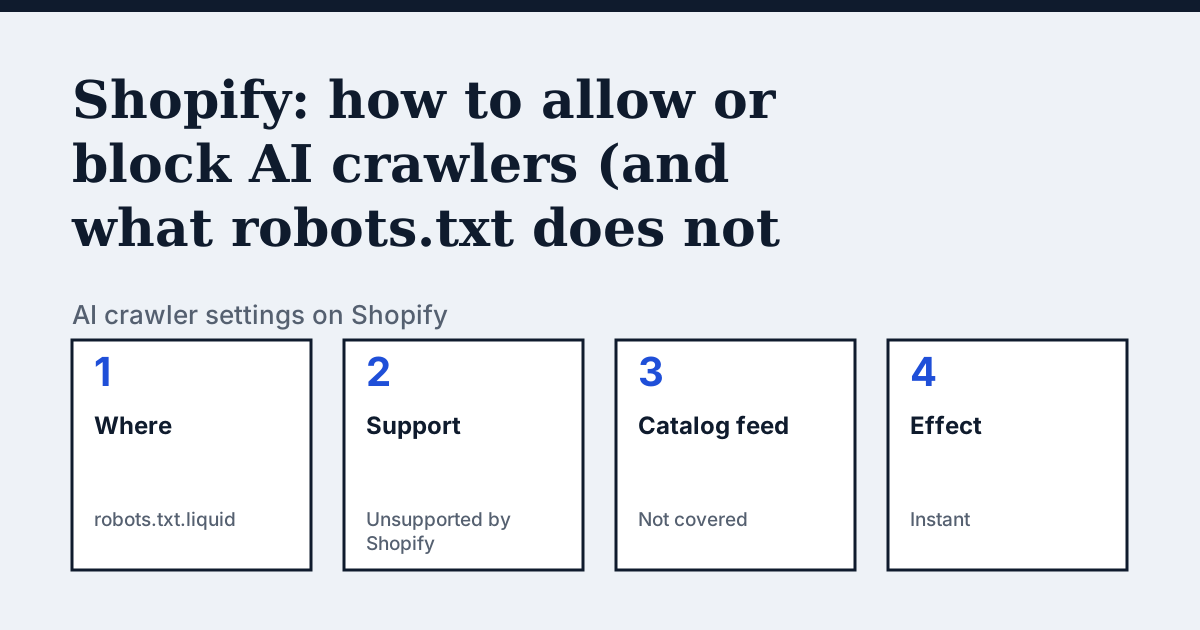
Where the setting is on Shopify
Online Store, then the theme's Edit code, then Add a new template and choose robots. Shopify says this is an unsupported customization: its Support cannot help with edits, and incorrect use "can result in loss of all traffic".
The one thing Shopify's page says that the other platforms do not
Shopify describes two layers of control. The network layer is handled by Shopify for stores on Shopify, and you do not need to act. The /robots.txt layer is yours through robots.txt.liquid. Its page then draws the line that matters for a shop: if you sell through agentic storefronts such as ChatGPT or Microsoft Copilot, your product data is syndicated through Shopify Catalog "independently of /robots.txt", and blocking AI crawlers at either layer "affects only open-web discoverability". To change what Catalog shares you use the agentic storefronts settings, not robots.txt.
In the vendor's words: “Blocking AI crawlers at the /robots.txt or network layer affects only open-web discoverability. It doesn't stop your product data from being sent by Shopify Catalog to the agentic storefronts that you've activated.”
Source: Shopify Help Center: Editing robots.txt.liquid, read on 21 October 2026.
The steps
- From your Shopify admin go to Online Store.
- For the theme you publish, open the menu and choose Edit code.
- Click Add a new template, choose robots, then Create template.
- Keep the Liquid that outputs the default rule groups and add your own rules below it. Shopify recommends this over replacing the file with plain text, because plain text goes out of date.
- Save in the published theme. Shopify says changes are instant, but crawlers do not always react immediately.
The lines to use
To allow:
# Nothing to add: Shopify's default robots.txt allows crawlers that are not named.

# To name one explicitly, add under the default Liquid block:
User-agent: OAI-SearchBot
Allow: /
To block:
User-agent: GPTBot
Disallow: /

User-agent: ClaudeBot
Disallow: /
Gotchas
Two details from the same page. A theme uploaded from the Themes section of the admin does not import robots.txt.liquid; ThemeKit or command-line changes keep it. And if your template outputs the default groups, delete it to pick up Shopify's current default, which can include rules your older copy lacks, such as Disallow: /search.
Compare with Squarespace
Squarespace: One checkbox instead of a template, and a fixed list of 26 names.
Check your own site
The audit box above reads robots.txt for the AI crawlers and sends one live request per crawler, so a rule that your platform's settings allow but a firewall refuses shows up. The full list of crawlers is on the AI crawler hub.
Questions people ask
Does blocking GPTBot on Shopify stop ChatGPT showing my products?
Not by itself. Shopify says robots.txt and network blocks affect open-web discoverability only, and that Shopify Catalog sends product data to the agentic storefronts you have activated independently of /robots.txt. To control that feed, use Shopify's agentic storefronts settings.
Can Shopify Support fix my robots.txt.liquid?
No. Shopify's page says Support cannot help with edits to the file and suggests hiring a Shopify Partner.
Do I need a Cloudflare proxy in front of Shopify?
Shopify says bot management at the network layer is handled for stores on Shopify and that it does not recommend a proxy configuration in front of Shopify or support one.
Sources
- Shopify Help Center: Editing robots.txt.liquid, read 21 October 2026
- Shopify.dev: Customize robots.txt.liquid, read 21 October 2026
See what AI answers about your shop
The audit crawls your site up to your plan's page limit, shows which AI crawlers it lets in and gives the exact fix for each issue. From €9, 14-day money-back guarantee.
Audit my siteAudit from €9, paid once. 14-day money-back guarantee.