AI crawler settings by platform / AI crawlers by platform
Squarespace: the AI crawler checkbox blocks 26 bots, but not ChatGPT search
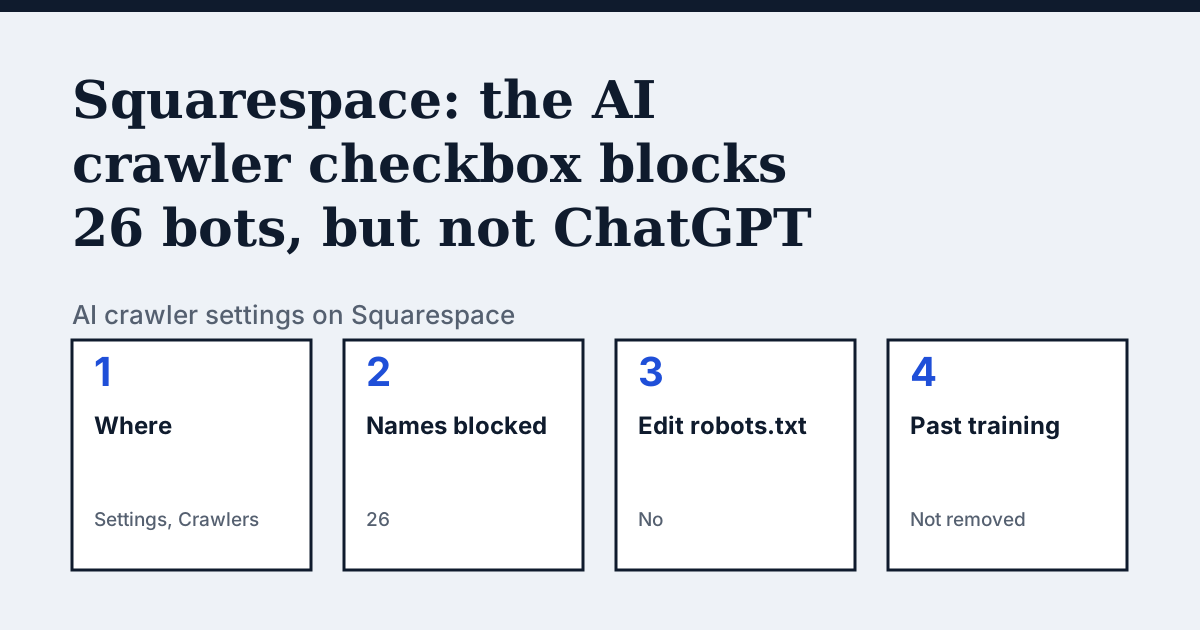
Where the setting is on Squarespace
Open the Settings panel, click Crawlers, and tick Block known artificial intelligence crawlers. Squarespace's page says ticking the box updates your robots.txt file for the bots listed below, and that it may add more over time.
The 26 names, and which ones are missing
Squarespace's help page lists exactly 26 names: AI2Bot, Ai2Bot-Dolma, aiHitBot, Amazonbot, anthropic-ai, Applebot-Extended, Bytespider, CCBot, ClaudeBot, cohere-ai, cohere-training-data-crawler, DuckAssistBot, FacebookBot, Google-Extended, GoogleOther, GoogleOther-Image, GoogleOther-Video, GPTBot, img2dataset, Meta-ExternalAgent, MyCentralAIScraperBot, omgili, omgilibot, Quora-Bot, TikTokSpider and YouBot. Read against our own crawler pages, the box covers the training and dataset crawlers of OpenAI, Anthropic, Google, Apple, Meta and Common Crawl. It does not name OAI-SearchBot, ChatGPT-User, PerplexityBot, Claude-SearchBot or Claude-User, so ticking it does not remove you from ChatGPT search. It does name DuckAssistBot and Amazonbot, which are answer-engine and product crawlers, so ticking it can also cost you DuckDuckGo's AI answers.
In the vendor's words: “Checking the box updates your robots.txt file to tell the following bots not to crawl your site.”
Source: Squarespace Help: Request that AI models exclude your site, read on 21 October 2026.
The steps
- Open the Settings panel of your Squarespace site.
- Click Crawlers.
- Tick Block known artificial intelligence crawlers to block the 26 names, or leave it unticked to leave them all allowed.
- To ask for another bot to be added, contact Squarespace: your page's own text says you can request it.
The lines to use
To allow:
# Squarespace sites are open to these crawlers while the box is unticked.

# You cannot add lines yourself, so there is nothing to paste.
To block:
# Written by Squarespace when the box is ticked (excerpt):
User-agent: GPTBot
User-agent: ClaudeBot
User-agent: CCBot
Disallow: /
Gotchas
Squarespace states that ticking the box does not retroactively remove content already scraped from your site from AI model training data. It also says robots.txt is only a request that friendly crawlers have offered to obey. The excerpt above is our shortened illustration of the kind of lines the box produces; the exact file is whatever your site serves at /robots.txt, so open it and read it.
Compare with Wix
Wix: A real robots.txt editor, and an example list of four names.
Check your own site
The audit box above reads robots.txt for the AI crawlers and sends one live request per crawler, so a rule that your platform's settings allow but a firewall refuses shows up. The full list of crawlers is on the AI crawler hub.
Questions people ask
Can I allow ChatGPT search but block training on Squarespace?
Partly. Ticking the box writes a rule for GPTBot, and OAI-SearchBot is not among the 26 names. You cannot add lines of your own, so open your live /robots.txt to confirm what it says.
Can I edit robots.txt on Squarespace?
Squarespace's own page treats the Crawlers panel as the control and does not offer a robots.txt editor. Wix and Webflow do.
Does the box stop Google from indexing my site?
No. It is separate from the search engine crawlers option in the same panel. The AI box names Google-Extended and GoogleOther, not Googlebot.
Sources
- Squarespace Help: Request that AI models exclude your site, read 21 October 2026
See what AI answers about your shop
The audit crawls your site up to your plan's page limit, shows which AI crawlers it lets in and gives the exact fix for each issue. From €9, 14-day money-back guarantee.
Audit my siteAudit from €9, paid once. 14-day money-back guarantee.