AI crawler settings by platform / AI crawlers by platform
Wix: block AI crawlers in the Robots.txt Editor (its example lists only four names)
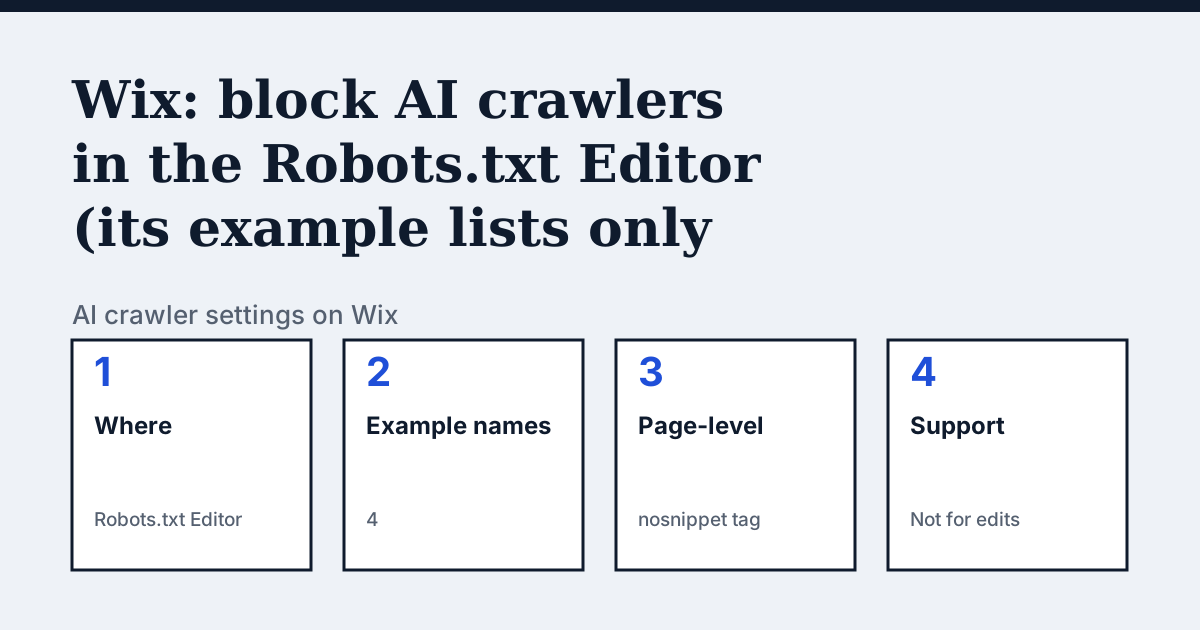
Where the setting is on Wix
In your site's dashboard go to SEO & GEO, scroll to Tools and settings, click Robots.txt Editor, then View File. Wix's separate editing guide calls this an advanced feature and says Wix Customer Care cannot help with changes you make to the file.
The example blocks four names, and one of them is not on Bing's list
Wix's help page says its list "includes some known AI crawlers, but you can always add more". The four it prints are CCBot, GPTBot, ChatGPT-User and BingAI. It leaves out the Anthropic, Perplexity, Google and Meta tokens that appear on our other pages. "BingAI" is the odd one: Microsoft's page on which crawlers Bing uses, read the same day, lists Bingbot, AdIdxBot, BingPreview, MicrosoftPreview and BingVideoPreview and no BingAI. A rule for a name that no crawler uses does nothing, so treat Wix's list as a starting point and check it against each vendor's own page. Also note ChatGPT-User is the fetcher that opens a page for a person asking ChatGPT, so blocking it removes that route to your pages.
In the vendor's words: “This list includes some known AI crawlers, but you can always add more as needed.”
Source: Wix Help Center: Blocking AI Crawlers from Your Site, read on 21 October 2026.
The steps
- Go to SEO & GEO in your site's dashboard.
- Scroll to Tools and settings and click Robots.txt Editor.
- Click View File, then click the field under Your robots.txt file.
- Add the directives under This is your current file, then Save Changes and Save.
- For one page only, open the page's SEO basics, Advanced SEO, Robots meta tag, and tick nosnippet. Wix says this prevents the content being used as direct input for AI overviews.
The lines to use
To allow:
User-agent: OAI-SearchBot
Allow: /


User-agent: PerplexityBot
Allow: /
To block:
User-agent: CCBot
Disallow: /

User-agent: GPTBot
Disallow: /

User-agent: ClaudeBot
Disallow: /
Gotchas
Wix's FAQ says blocking AI crawlers in robots.txt may limit NLWeb functionality, because AI agents need access to your structured content. It also says some crawlers ignore robots.txt, so a block is not airtight.
Compare with Webflow
Webflow: Also a robots.txt editor, plus a Content-Signal header.
Check your own site
The audit box above reads robots.txt for the AI crawlers and sends one live request per crawler, so a rule that your platform's settings allow but a firewall refuses shows up. The full list of crawlers is on the AI crawler hub.
Questions people ask
Will blocking AI crawlers hurt my Wix SEO?
Wix says blocking specific AI crawlers should not significantly affect SEO, and recommends checking your analytics afterwards.
Is BingAI a real crawler?
It is not on Microsoft's current list of Bing crawlers, which names Bingbot, AdIdxBot, BingPreview, MicrosoftPreview and BingVideoPreview. See the Bingbot page.
Does nosnippet block AI crawlers?
Wix describes it as preventing your content being used as a direct input for AI overviews. It is a page-level tag, not a crawler block.
Sources
- Wix Help Center: Blocking AI Crawlers from Your Site, read 21 October 2026
- Wix Help Center: Editing Your Site's Robots.txt File, read 21 October 2026
- Microsoft Bing Webmaster help: Which Crawlers Does Bing Use?, read 21 October 2026
See what AI answers about your shop
The audit crawls your site up to your plan's page limit, shows which AI crawlers it lets in and gives the exact fix for each issue. From €9, 14-day money-back guarantee.
Audit my siteAudit from €9, paid once. 14-day money-back guarantee.