AI crawler settings by platform / AI crawlers by platform
Vercel: the AI Bots ruleset in the Firewall (Log or Deny)
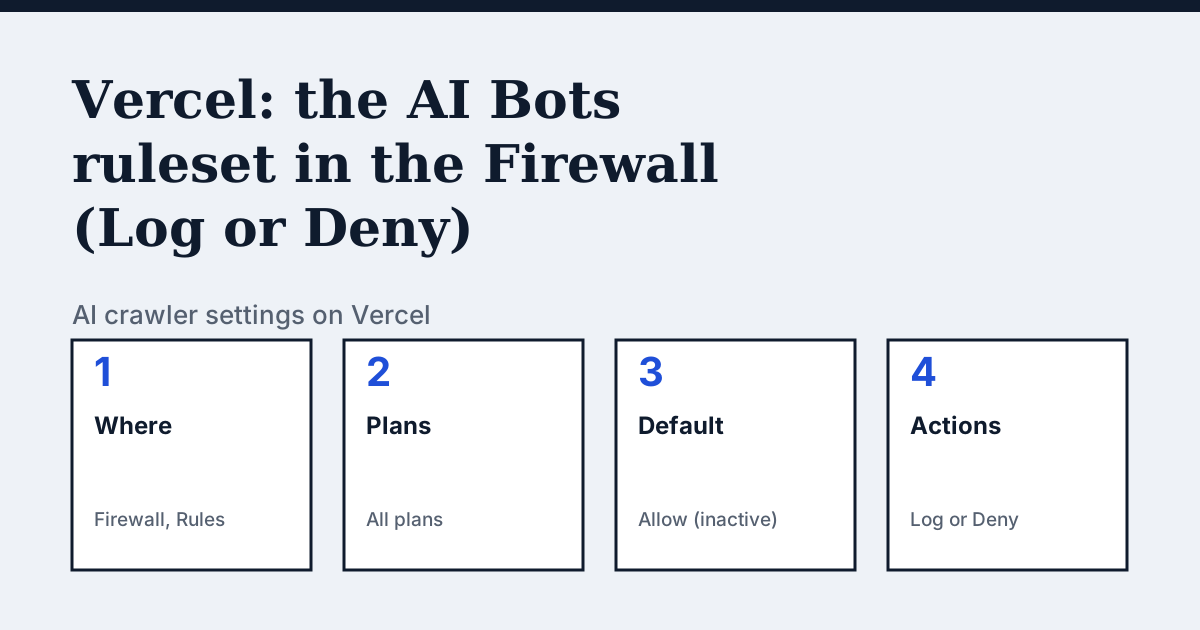
Where the setting is on Vercel
From your project's dashboard, open Firewall in the sidebar, then Rules. In the Bot Management section you will find the AI Bots Ruleset rule. Vercel's docs say the ruleset is available on all plans.
The one thing Vercel's page says that the other platforms do not
Vercel's list of AI bots is not yours to maintain. The ruleset covers AI bots that crawl for training data, search purposes or user-generated fetches, and Vercel keeps the list current. The same page says the ruleset is inactive by default and labelled Allow in the dashboard, so matching traffic is not evaluated and reaches your application. The control is one action for the whole ruleset, Log or Deny, applied at the Firewall.
In the vendor's words: “When new AI bots emerge, Vercel automatically adds them to its managed list and handles them according to your existing configured action without requiring any changes on your part.”
Source: Vercel Docs: Bot Management, read on 24 October 2026.
The steps
- From your project's dashboard, open Firewall in the sidebar.
- Open Rules in the sidebar.
- In the Bot Management section, select Log or Deny on the AI Bots Ruleset rule. Log records AI bot traffic without blocking it and is useful for monitoring. Deny blocks all traffic identified as coming from AI bots.
- When you make a change, a Review Changes button appears with the number of changes. Select Review Changes, check them, then select Publish to apply the changes to your production deployment.
The lines to use
Vercel's pages describe this as a Firewall setting, so there is no robots.txt line to add. The two states are:
To allow:
AI Bots Ruleset: Allow (the default, ruleset inactive)To block:
AI Bots Ruleset: DenyGotchas
Deny blocks all traffic identified as coming from AI bots, and the ruleset's scope is training, search and user-generated fetches together, so it is not a way to block training bots while keeping search bots. Log is the safer first step. Vercel's page does not say how the ruleset relates to your robots.txt, so check what your own file says separately. For individual bots, the same page says you can block some or all of the bots in its verified bots directory with WAF custom rules that use the User Agent match condition or the Signature-Agent header.
Compare with Cloudflare
Cloudflare: Also a network-level switch, with three actions for each of Search, Agent and Training.
Check your own site
The free check in the box above reads robots.txt for the AI crawlers and sends one live request per crawler, so a rule that your platform's settings allow but a firewall refuses shows up. The full list of crawlers is on the AI crawler hub.
Questions people ask
Does Vercel block AI bots by default?
No. Vercel's docs say the AI Bots Ruleset is inactive by default, labelled Allow in the dashboard, and that matching traffic is not evaluated and reaches your application.
Do I have to keep Vercel's list of AI bots up to date?
No. Vercel says the list of known AI bots is automatically maintained and updated by Vercel, and that new bots are handled according to the action you have already set.
Sources
- Vercel Docs: Bot Management, read 24 October 2026
- Vercel Docs: WAF Managed Rulesets, read 24 October 2026
See what AI answers about your shop
The audit crawls your site up to your plan's page limit, shows which AI crawlers it lets in and gives the exact fix for each issue. From €9, 14-day money-back guarantee.
Audit my siteAudit from €9, paid once. 14-day money-back guarantee.