AI crawler settings by platform / AI crawlers by platform
Webflow: robots.txt rules and the Content-Signal header for AI use
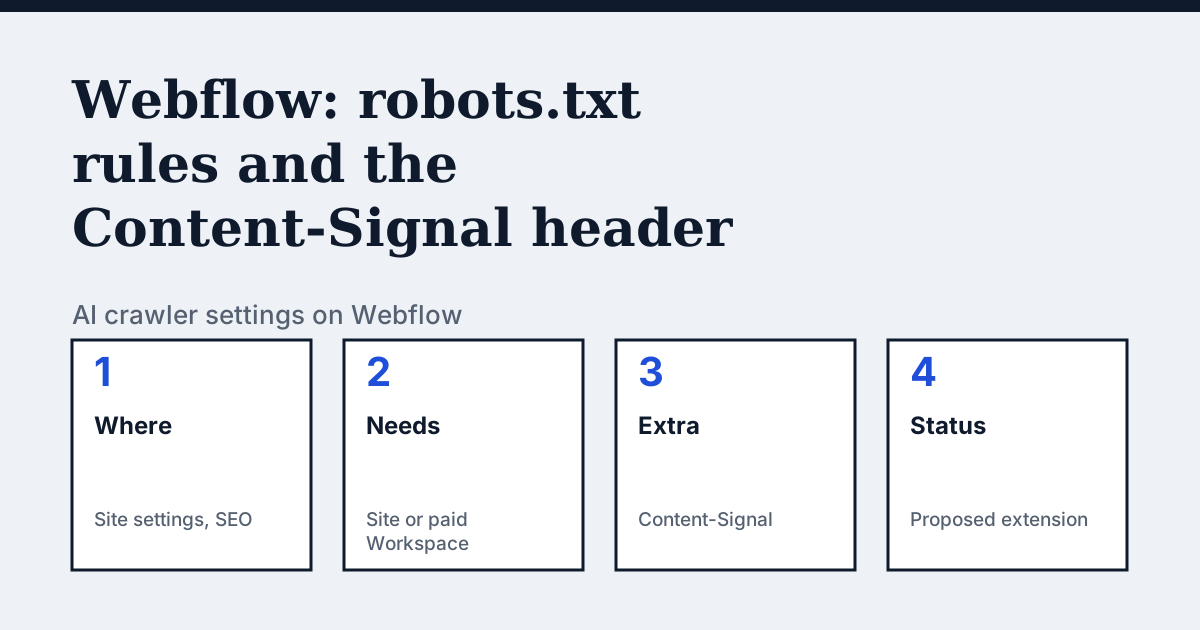
Where the setting is on Webflow
Go to Site settings, then SEO, then Indexing, add the robots.txt rule or rules you want, then click Save and publish your site. Webflow adds a sitemap line by default; a toggle removes it.
A header that splits training, search and AI answers
Besides robots.txt, Webflow's page says a site can serve a Content-Signal HTTP header, set in the same Indexing area, to give AI crawlers more granular instructions. Its example is Content-Signal: ai-train=no, search=yes, ai-input=no. Webflow explains the split: robots.txt controls whether bots can access your pages, while Content-Signal says whether content can be used for AI training, search indexing, or AI-generated responses, separately. Webflow adds the caveat itself: this is based on a proposed extension to RFC 9309 and is not yet an accepted standard. So it states a preference; it does not stop a crawler, and Webflow's page does not say which crawlers read it.
In the vendor's words: “This is based on a proposed extension to RFC 9309 and is not yet an accepted standard.”
Source: Webflow Help: Set robots.txt rules, read on 21 October 2026.
The steps
- Open Site settings and go to SEO, then Indexing.
- Type the robots.txt rules you want in the rules field.
- Optionally set the Content-Signal header in the same area.
- Click Save and publish your site, then open yourdomain.com/robots.txt to check the live file.
The lines to use
To allow:
User-agent: OAI-SearchBot
Allow: /


User-agent: *
Allow: /
To block:
User-agent: GPTBot
Disallow: /

User-agent: ClaudeBot
Disallow: /

Content-Signal: ai-train=no, search=yes, ai-input=no
Gotchas
Webflow's page says your robots.txt is publicly visible, so do not rely on it to hide private pages, and that not all bots follow it.
Compare with Wix
Wix: A longer editing path and a four-name example.
Check your own site
The audit box above reads robots.txt for the AI crawlers and sends one live request per crawler, so a rule that your platform's settings allow but a firewall refuses shows up. The full list of crawlers is on the AI crawler hub.
Questions people ask
Do I need a paid plan for robots.txt on Webflow?
One Webflow help page says you need a Site plan or a paid Workspace plan to add a robots.txt file to your site.
What is Content-Signal?
A proposed extension to RFC 9309 that Webflow can send as a header: ai-train, search and ai-input, each set to yes or no.
Does Webflow block bad bots for me?
Its help page shows how to write a rule for a named bot. It says some bots, especially malicious ones, do not follow robots.txt.
Sources
- Webflow Help: Set robots.txt rules, read 21 October 2026
- Webflow Help: Request to block specific bots from visiting your site, read 21 October 2026
See what AI answers about your shop
The audit crawls your site up to your plan's page limit, shows which AI crawlers it lets in and gives the exact fix for each issue. From €9, 14-day money-back guarantee.
Audit my siteAudit from €9, paid once. 14-day money-back guarantee.