Guides / AI visibility basics
How to create an llms.txt file, step by step
What llms.txt is
llms.txt is a proposal published at llmstxt.org: a Markdown file at the root of your site that gives language-model assistants a short map of the pages that matter most. It is not a standard that any search engine or assistant has committed to read. Does llms.txt work? covers what the studies found. The file is cheap to write, and writing it makes you decide which of your pages answer buyers' questions.
The format, in order
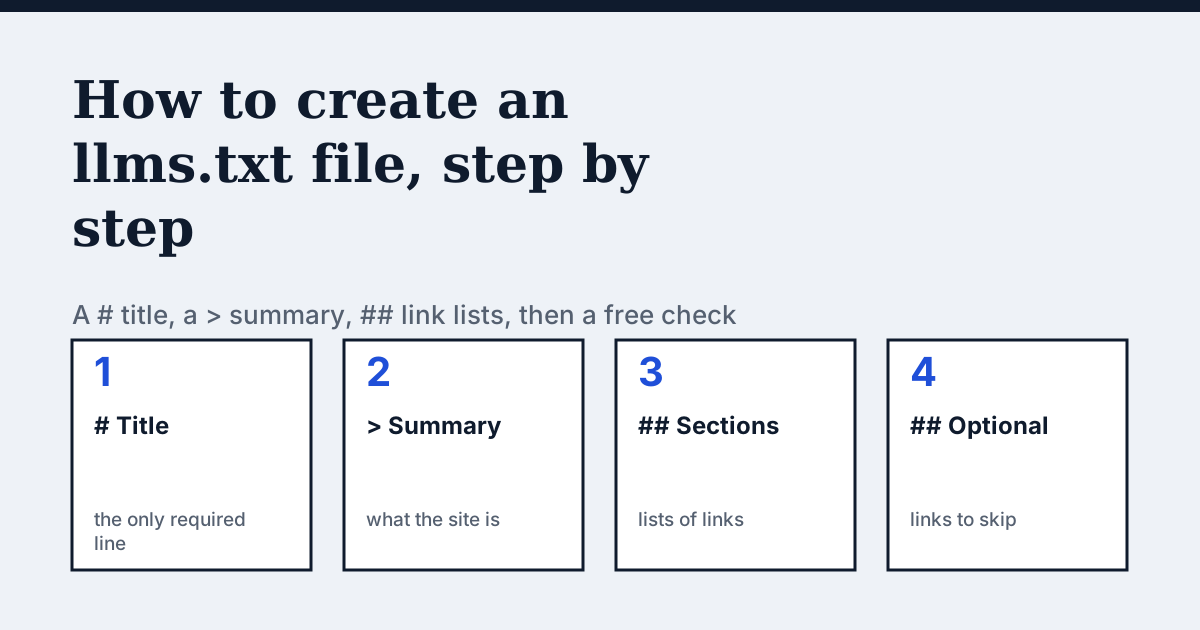
The llmstxt.org specification lists these parts in this order. Only the first is required.
- A
#title with the name of the site or project. - A
>blockquote with a short summary. - Optional paragraphs or lists with more detail, but no headings.
- Zero or more
##sections, each holding a list of links. - By convention, a section named
Optionalfor links an assistant can skip when it needs shorter context.
Each list item is a Markdown link, then optionally a colon and a note: - Link title: what this page answers.
Template to copy
Replace the example text with your own. Keep the shape.
# Example Shop
> Example Shop sells handmade leather bags and ships across the EU.

## Products
- [Leather bags](https://example.com/bags): all models with prices and sizes

- [Care guide](https://example.com/care): how to clean and store a bag

## Policies
- [Shipping and returns](https://example.com/shipping): delivery times and the 30-day return rule

## Optional
- [About us](https://example.com/about)
How to create the file
- Open a plain-text editor and type the title line:
# Your shop name. Keep it to the name buyers know you by. - Add one
>line under it that says what you sell and where, in one sentence. Use facts a page of yours also states. - List your most useful pages under
##headings such as Products, Help or Policies. Use full URLs, one link per line, and add a short note after a colon saying what the page answers. - Put pages that are nice to have, such as About or press, under a section named
Optional. - Save the file as
llms.txt(plain text, UTF-8) and upload it to the root of your site so thathttps://yourshop.com/llms.txtloads. A file in a subfolder does not count, and the address must answer with text, not a login or an HTML error page. - Run the free llms.txt checker on your domain. It reports whether the file loads, follows the format, links to pages that load, and agrees with your robots.txt and sitemap.
Mistakes the checker finds
- The title is missing or is not the first line.
- A list item is not in
nameform, for example a bare URL. - A listed page returns an error, or robots.txt keeps AI crawlers away from it. A page you list but block sends mixed signals.
- A listed page is not in your sitemap.
- The address returns an HTML page instead of a text file.
Check the crawlers too
A perfect llms.txt does nothing for a site whose firewall refuses AI crawlers. Run the AI-crawler access checker next: it tests robots.txt and a live request for eight crawlers.
Questions people ask
Where does llms.txt go?
At the root of the domain: https://yourshop.com/llms.txt. Not in a subfolder.
Do I have to list every page?
No. List the pages that best answer buyers' questions. A short, accurate file is better than a long list of everything.
Do ChatGPT, Gemini or Perplexity read llms.txt?
No major assistant has confirmed that it does. Treat the file as a cheap addition, not as a way to get cited.
What is llms-full.txt?
An optional second file some sites publish with the full text of key pages in one document. The checker only reports whether it exists.
How do I know the file is valid?
Run the free llms.txt checker on your domain.
Sources
See what AI answers about your shop
The audit crawls your site up to your plan's page limit, shows which AI crawlers it lets in and gives the exact fix for each issue. From €9, 14-day money-back guarantee.
Audit my siteAudit from €9, paid once. 14-day money-back guarantee.