Guides / Bing and Copilot
How to download your Bing AI Performance report (and what to do with it)
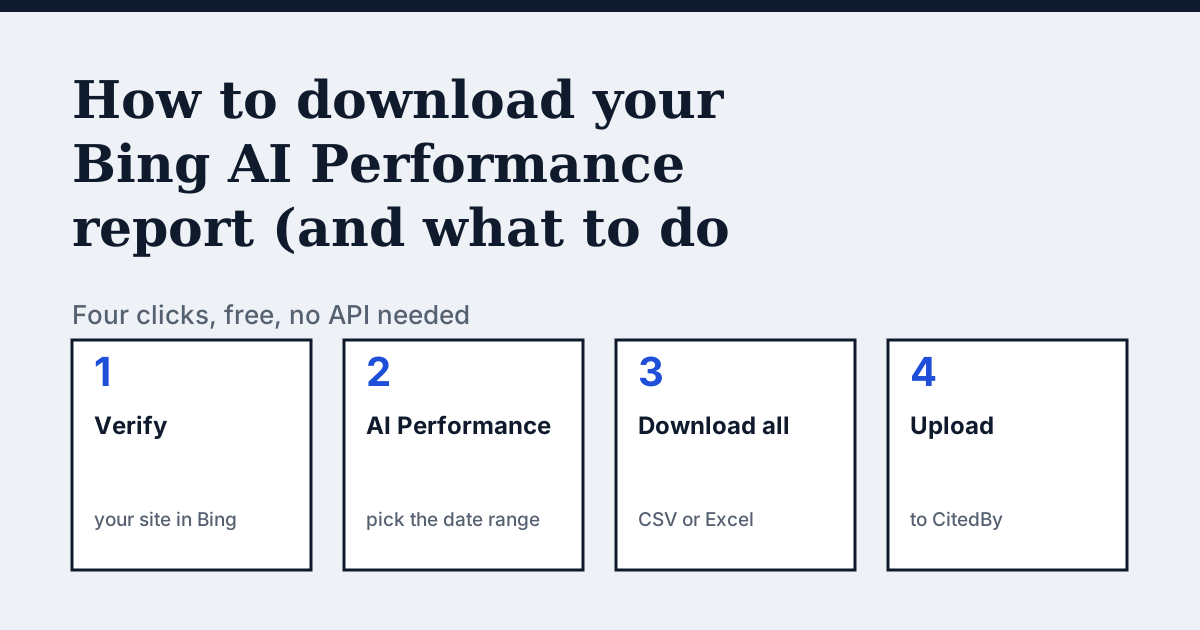
What does the Bing AI Performance report show?
It shows how often pages of your site were cited in Microsoft Copilot, Bing's AI summaries and some Microsoft partner experiences. You get total citations, the pages that were cited, a timeline and the grounding queries: the short phrases the AI searched before it cited you. Newer versions add each query's intent, topic and citation share, and a beta Topics Portfolio with opportunity queries, where other sites are cited and yours is not (Bing Webmaster Blog).
Microsoft samples this data. A site with little activity may show little or nothing. It covers Microsoft's assistants only, not ChatGPT, Gemini or Perplexity, and a citation is not a visit.
How do you download it?
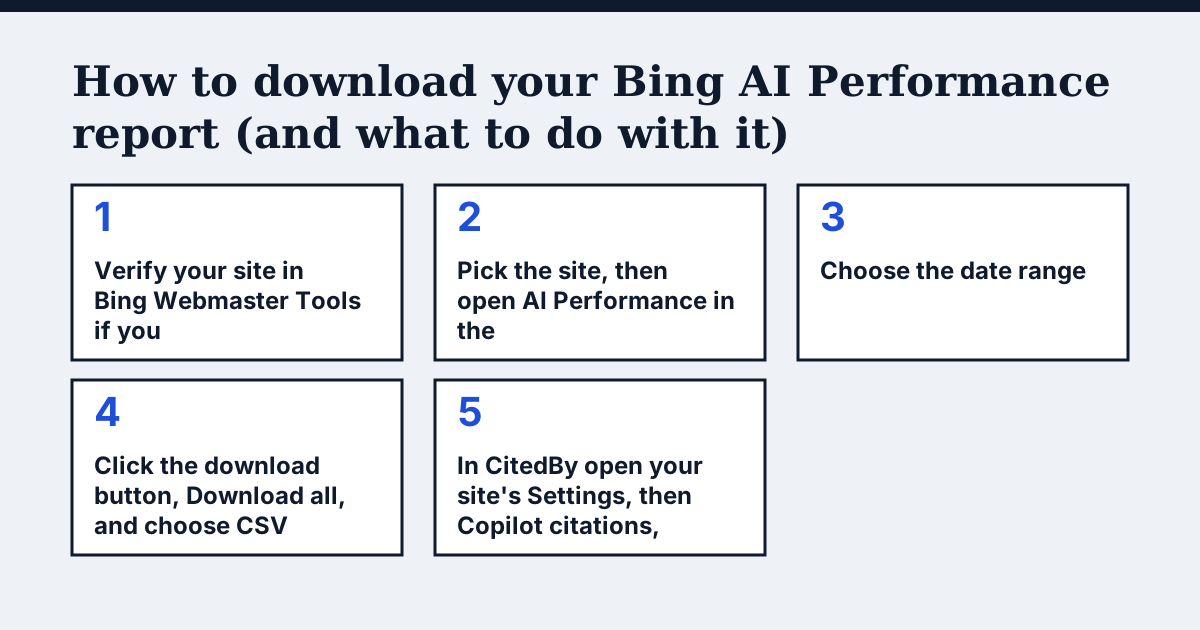
- Verify your site in Bing Webmaster Tools if you have not. The report only exists for verified sites.
- Pick the site, then open AI Performance in the left menu.
- Choose the date range. Ranges run from 7 days to 6 months, or a custom range.
- Click the download button, Download all, and choose CSV or Excel. Keep the files as they come.
- In CitedBy open your site's Settings, then Copilot citations, and drop the files in. Several files at once are fine.
If a Topics Portfolio shows for your site, export that view as well: its opportunity queries become pages to write or fix.
What does CitedBy do with the file?
CitedBy joins your cited pages to the latest audit of the same site, by address. It lists the audit's fixes on pages Copilot already cites first, ranked by citations. For each opportunity query it names the page that should answer it, or says that no crawled page does. Upload a later export and it shows what changed between the two. We keep counts, page addresses and query words, not the file, and you can remove them in the same place.
Without an upload nothing is estimated: the card reads "Not measured".
Questions people ask
Is there an API for the AI Performance report?
No. Microsoft's Webmaster API has no method for it, which is why the download is manual (Microsoft Q&A).
Does the import need a paid CitedBy plan?
Yes. It is part of Starter and up. The Bing report itself is free.
Sources
Find what stops AI assistants reading your shop
The audit crawls your site up to your plan's page limit, shows which AI crawlers it lets in and gives the exact fix for each issue.
Audit my siteAudit from €9, paid once. 14-day money-back guarantee.