Guides / Guide
Technical SEO checklist for AI visibility: 10 checks for your online shop
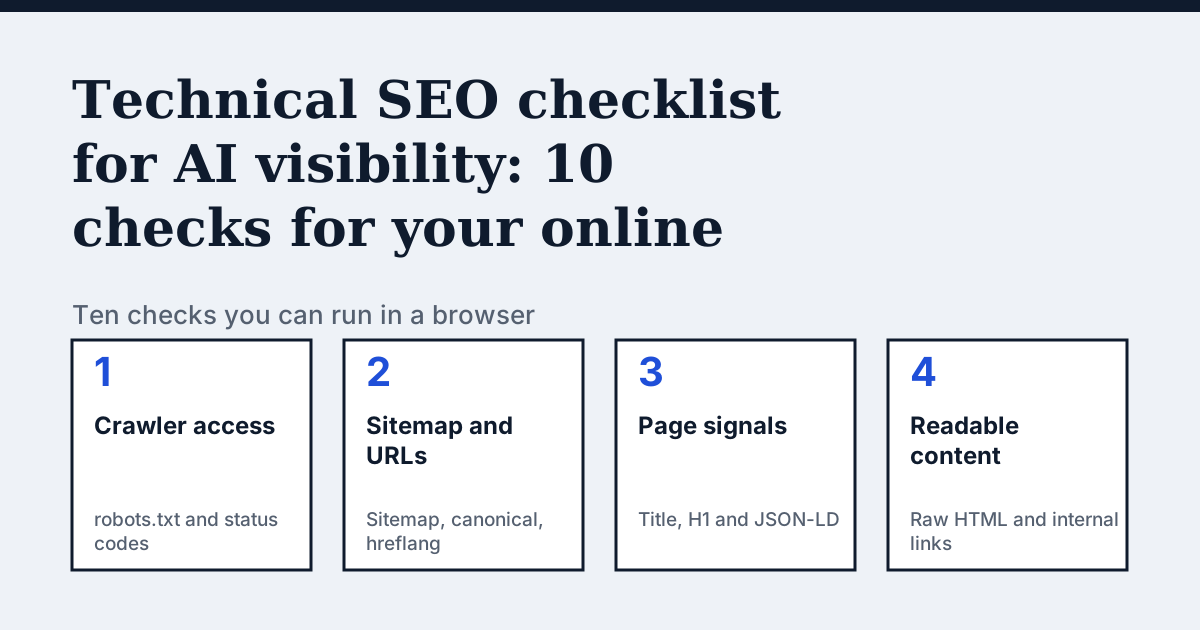
What does a technical check for AI visibility cover?
AI assistants and search engines can only quote what their crawlers can fetch and read. A page that returns an error, is blocked in robots.txt or shows its text only after JavaScript runs may look fine to you and empty to a crawler. The checks below are ordered from "can it get in" to "can it read the page" to "can it trust the facts".
You need a browser and a few minutes per check. Test your home page, one category page and one product page first, because problems usually repeat across a template.
What are the 10 checks?
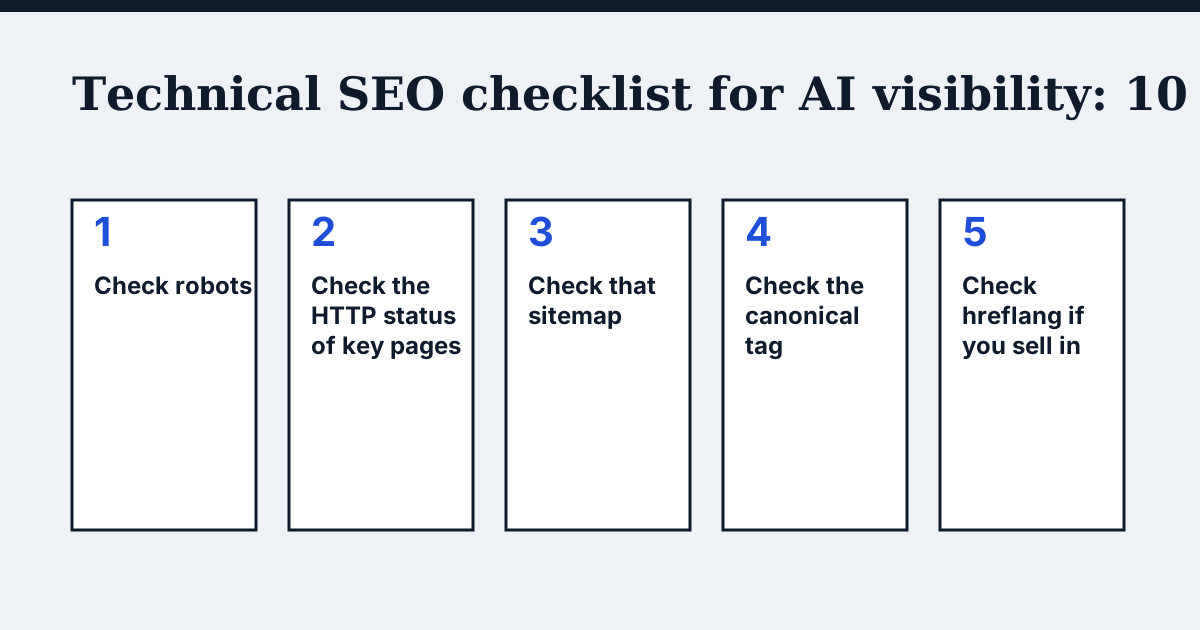
- Check robots.txt and AI crawlers. Open
yourshop.com/robots.txt. Look forDisallow: /underUser-agent: *and for groups that name GPTBot, OAI-SearchBot or PerplexityBot. OpenAI documents its crawlers and says robots.txt controls them. - Check the HTTP status of key pages. Your home, category, product and policy pages should answer 200. Run
curl -sI https://yourshop.com/product-pageand read the first line. Redirect chains, 403, 404 and 5xx answers all cost you. - Check that sitemap.xml exists. Open
yourshop.com/sitemap.xml. It should list your product and category URLs, and robots.txt can point to it with aSitemap:line. - Check the canonical tag. Open a product page, view the source and search for
rel="canonical". It should point to the clean address of that same page, not to the home page or a filtered variant. - Check hreflang if you sell in several languages. Each language version should list its siblings and itself. Google's documentation asks for the annotations to be reciprocal.
- Check the title and H1. Each page needs one title and one H1 that say what the page is. Duplicate titles across hundreds of products are common after a theme or import change.
- Check JSON-LD. Search the source for
application/ld+json. A product page should carry Product data with name, price, currency and availability, and the home page should carry Organization data. The values must match what the page shows. - Check that the text is in the raw HTML. Open the page source (not the inspector) and search for a sentence from the product description. If it is missing, the text is added by JavaScript and many crawlers will not see it.
- Check broken internal links. Click through your menu, a category and a product. A crawler that hits a 404 from your own navigation stops following that path. Fix or remove the link.
- Decide on llms.txt last. It is optional. No major assistant has confirmed that it reads the file, so do it only after the nine checks above. See does llms.txt work.
Which checks matter most?
| Check | If it fails | Priority |
|---|---|---|
| robots.txt | Crawlers are told to stay out | First |
| HTTP status | Pages cannot be fetched at all | First |
| Raw HTML text | The crawler sees an empty page | First |
| Sitemap | Pages are found more slowly | Second |
| Canonical | Duplicates compete with each other | Second |
| JSON-LD | Price and stock are guessed from text | Second |
| Title and H1 | Pages look alike to a reader | Second |
| Hreflang | Wrong language version gets shown | If multilingual |
| Internal links | Crawl paths end early | Third |
| llms.txt | Nothing measurable so far | Optional |
How do I test without any tools?
A browser is enough for most of it. The "view source" page (Ctrl+U, or Cmd+Option+U on a Mac) answers checks 4, 6, 7 and 8. The address bar answers checks 1 and 3. A single curl line answers check 2.
One limit: a test from your own computer can differ from what a crawler gets. A CDN or firewall may refuse a crawler by its name or address while letting you in. If robots.txt looks fine and a crawler is still locked out, see can ChatGPT read my website.
What does the audit add?
By hand you check a few pages. The CitedBy audit crawls every page of your shop, runs these checks on each one and gives the exact fix for each issue. It starts at €9, paid once, with a 14-day money-back guarantee. The Fix Pack is €390 paid once: we make the changes and re-check at day 30. The sample audit shows the format.
Questions people ask
How often should I run these checks?
After every theme change, app install, migration or CDN setting change, and once a quarter otherwise. Most breakage appears right after a change.
Do I need all ten checks to be recommended by AI assistants?
No. Passing them does not guarantee a mention, because assistants also weigh what other sites say about you. Failing the first three can keep you out entirely.
Can I fix these myself on a hosted shop platform?
Often yes, but the place to do it differs by platform. See the checklist by shop platform.
Sources
- OpenAI: crawlers and user agents
- Google Search Central: robots.txt introduction
- Google Search Central: sitemaps overview
- Google Search Central: canonical URLs
- Google Search Central: localized versions (hreflang)
- Google Search Central: product structured data
- Google Search Central: JavaScript SEO basics
See what AI answers about your shop
The audit crawls every page of your site, shows which AI crawlers it lets in and gives the exact fix for each issue. From €9, 14-day money-back guarantee.
Audit my siteAudit from €9, paid once. Fix Pack €390 paid once. 14-day money-back guarantee.